Convert your Minecraft builds to Hytale,
free with reliable mapping.
Easily convert .schematic files into Hytale prefabs, or entire worlds with our World Converter, no account required and optimized for large builds up to 20,000,000 blocks
17,500+ successful conversions
Trusted by server owners and builders
🎨 Dual block mapping
Choose between color-accurate mapping for builders or technical mapping to preserve survival balance (ores, gameplay).
🔁 All Minecraft versions
Fully compatible from Minecraft 1.6 to 1.21.11. old maps, modern builds, everything works.
♾️ Unlimited conversions
Convert any number of schematics into Hytale prefabs, no quotas.
Privacy
Your builds are automatically deleted as soon as the conversion is completed.
🌍 World Converter
Need more than schematics? Convert entire Minecraft worlds with our advanced world conversion tool.
⚡ Reactive Discord support
Get fast support directly on Discord, our team answer in less than 2 hours.
Advanced Block Mapping for Builders
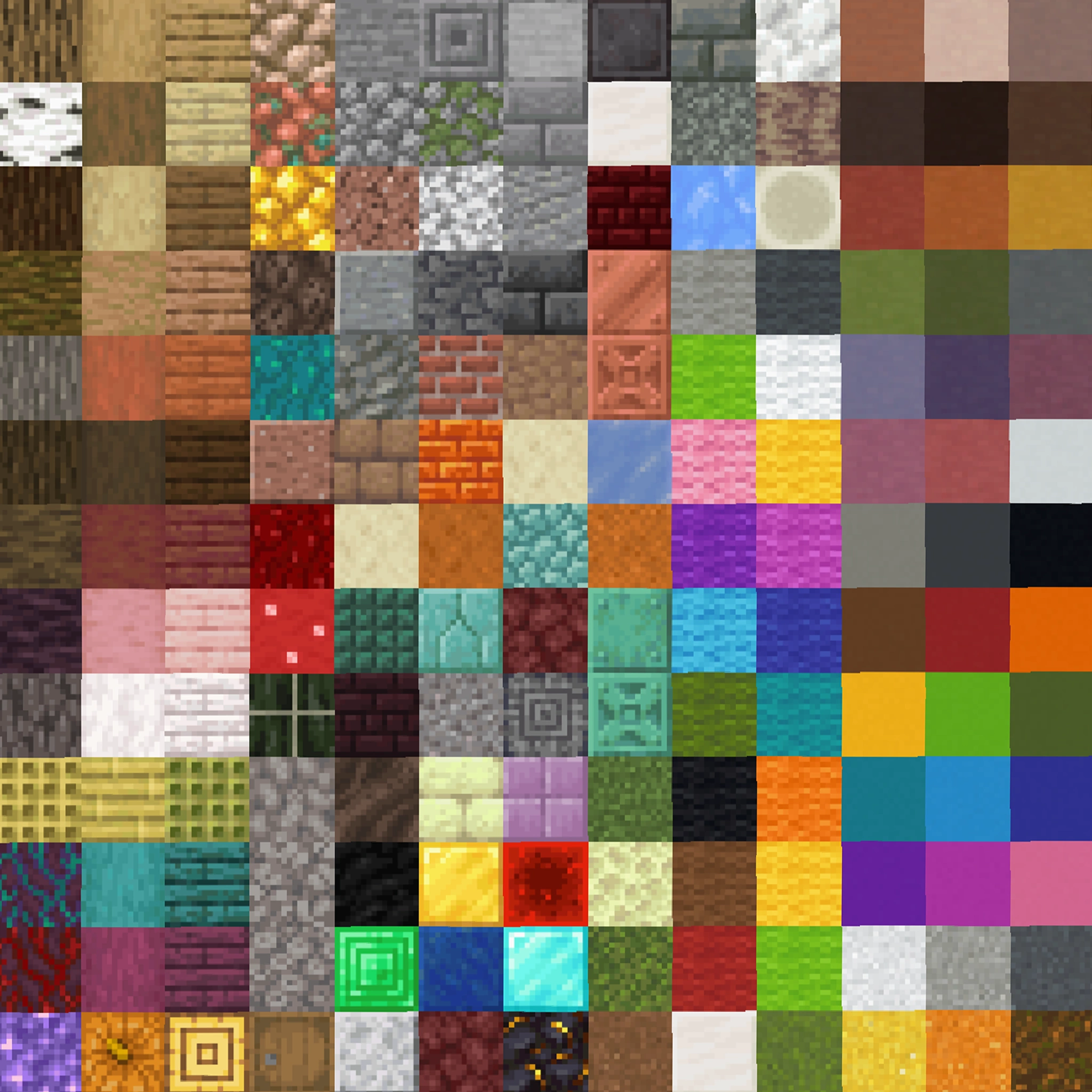
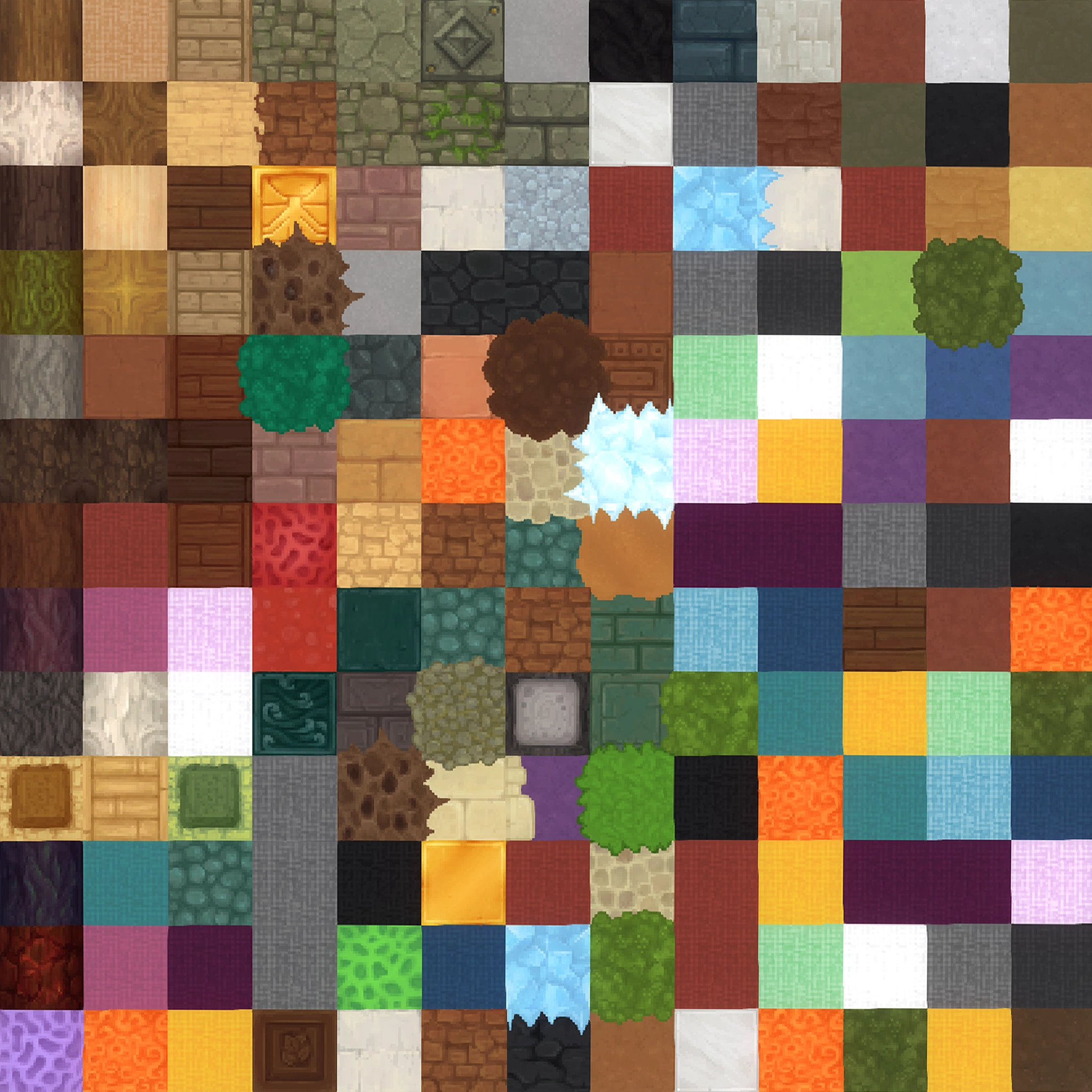
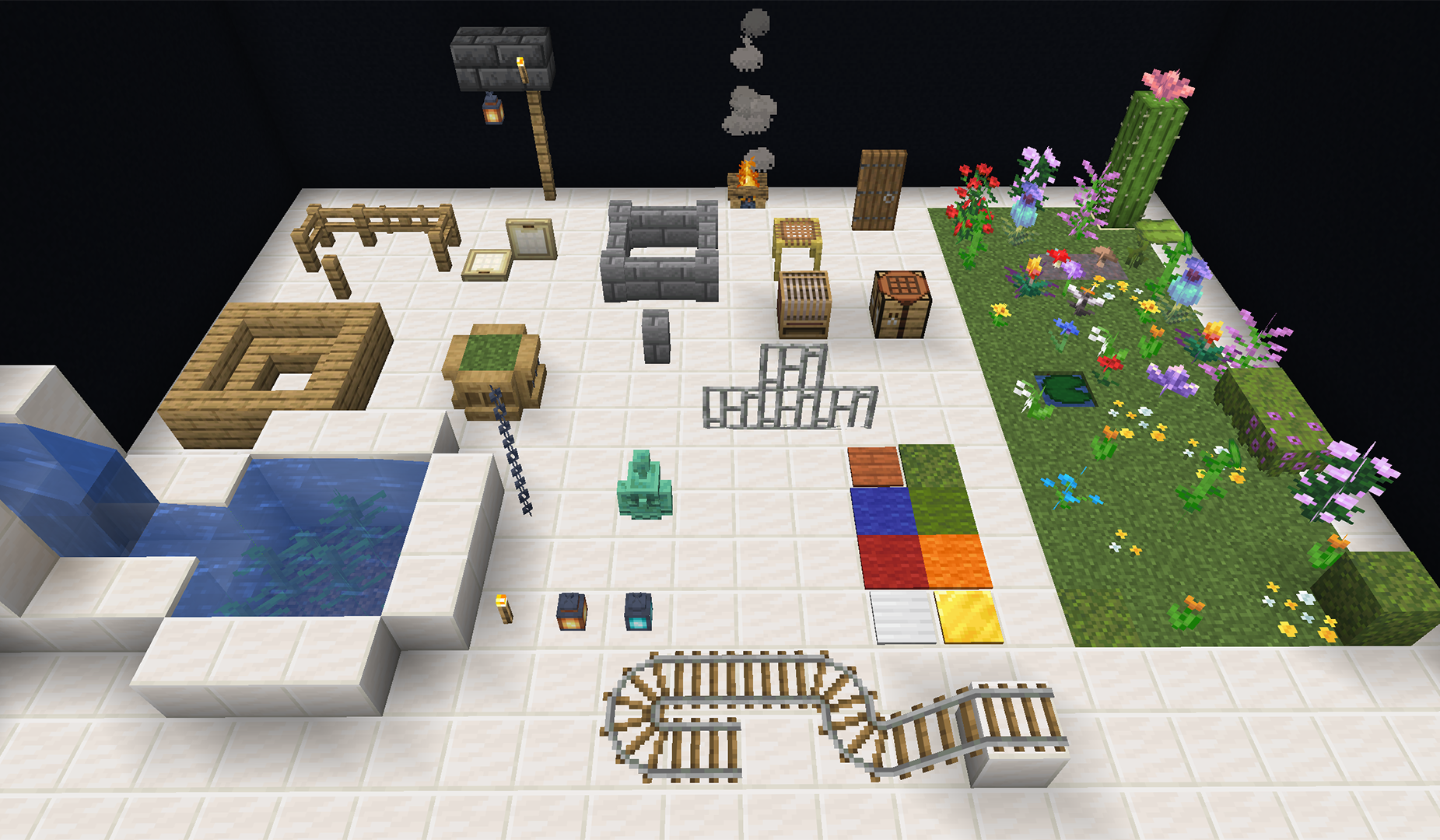
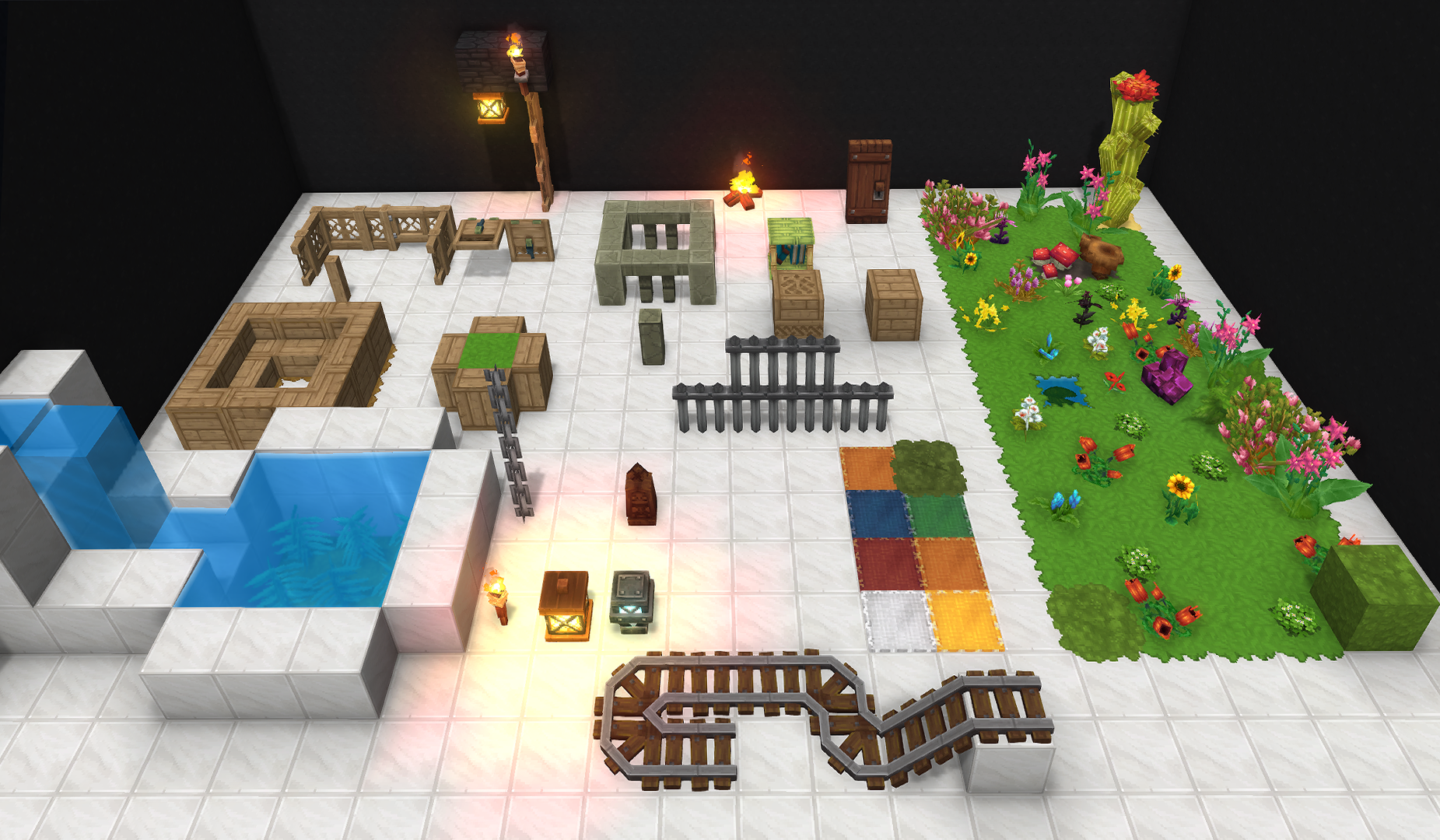
Our advanced mapping system prioritizes color accuracy first, then textures. Every block is carefully chosen to maintain the integrity of your constructions, so your creations look just as you designed them in-game. The mapping is updated with every new Hytale version, keeping your builds compatible and reliable.
Also discover the world convertor :
Convert entire Minecraft worlds to Hytale using region files
Perfect for large RPG maps, server projects, or massive builds like Build the Earth
Fully compatible with all Minecraft Java & Bedrock versions
Fuze III is one of the most well-known French-speaking Minecraft content creators. Through large-scale projects, videos, and community events, he has had a major impact on the Minecraft building community.
He has already used the Hytale Converter in one of his videos, showing how rapid and accurate it was to convert a MC world to Hytale.
Hytale Game
Hytale Game is the largest French-speaking Hytale community, where our tools are regularly shared and discussed by builders and server creators.
PCGamesN
PCGamesN is a UK-based website covering PC gaming and hardware. It is ranked among the top 30 most influential video game publications, known for its in-depth news, reviews, and industry coverage. They covered our project for its rapid release of a Minecraft to Hytale converter within 24 hours of Hytale’s release, highlighting the technical challenge and motivation required to make it possible.

 Privacy