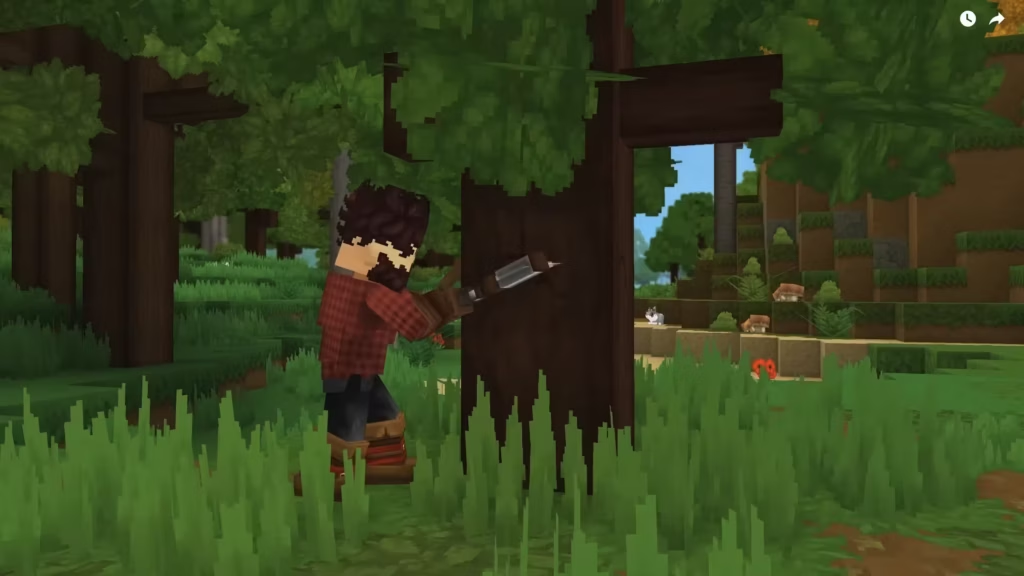
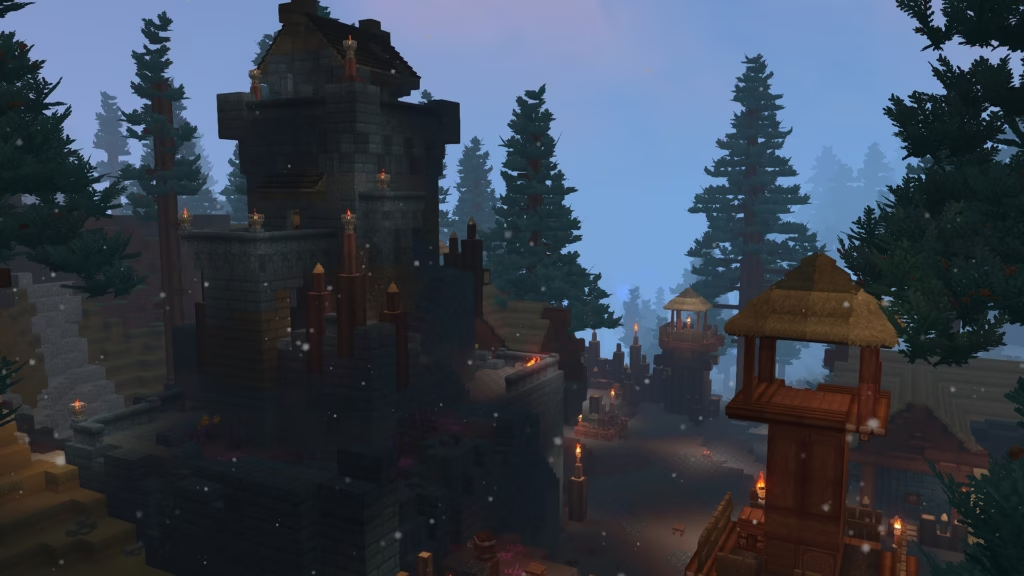
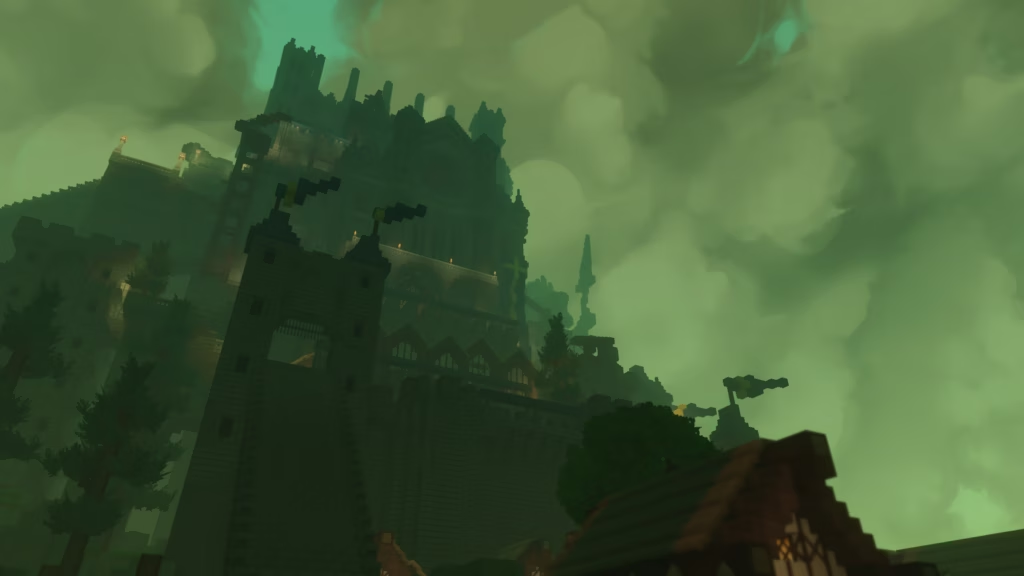
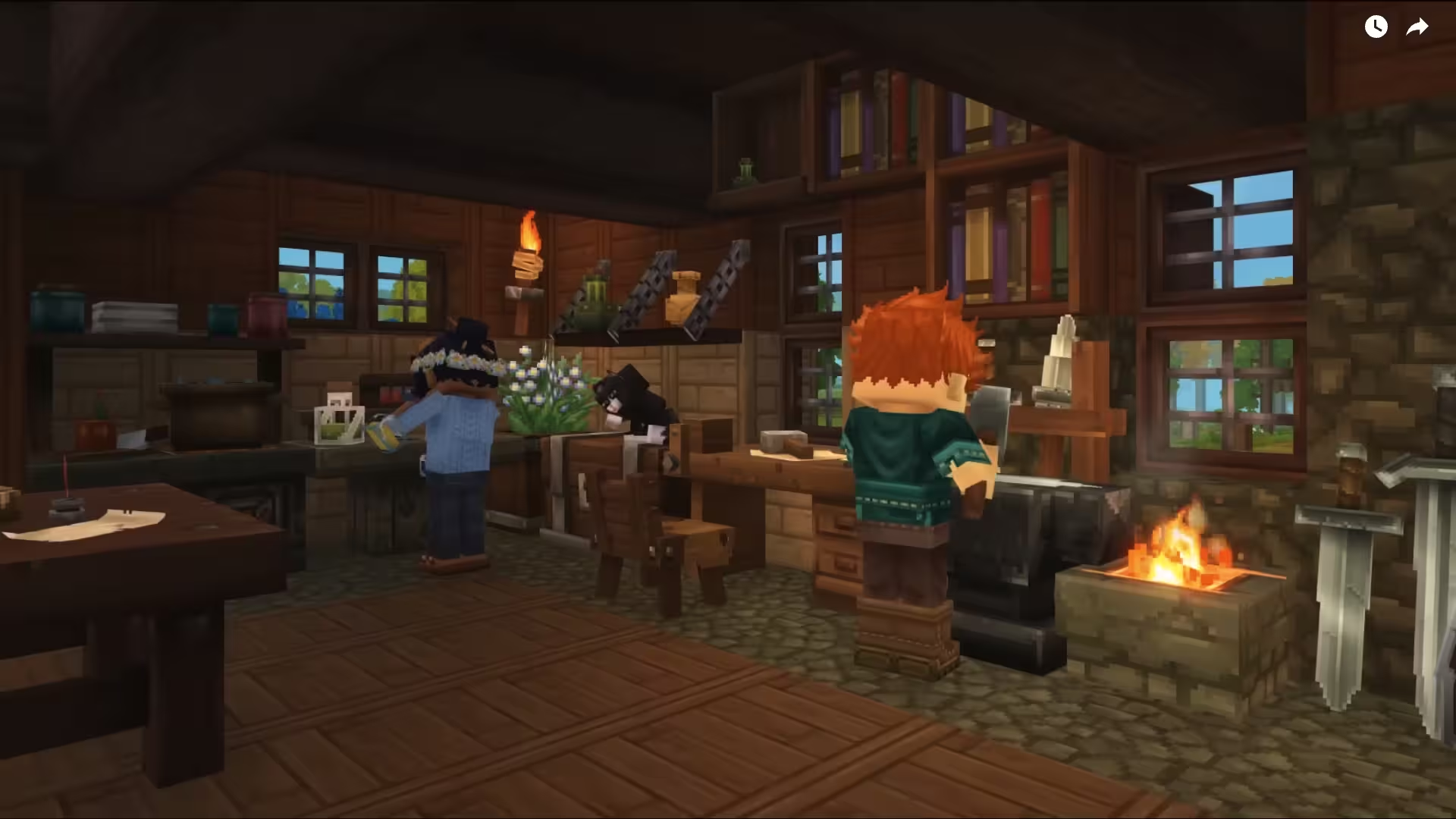
If, like us, you are eagerly awaiting the release of Hytale, you have surely already come across this term. In each blog post, the Hypixel team shows just how immersive Hytale’s settings are, thanks in particular to a key concept : prefabs. Increasingly rich and detailed, they play a central role in world generation.
Among the major elements in the creation of Orbis, one concept comes up very often: prefabs. But what exactly is a prefab in Hytale, and why is it so important for exploration, dungeons, and map creation?
Definition of a prefab in Hytale
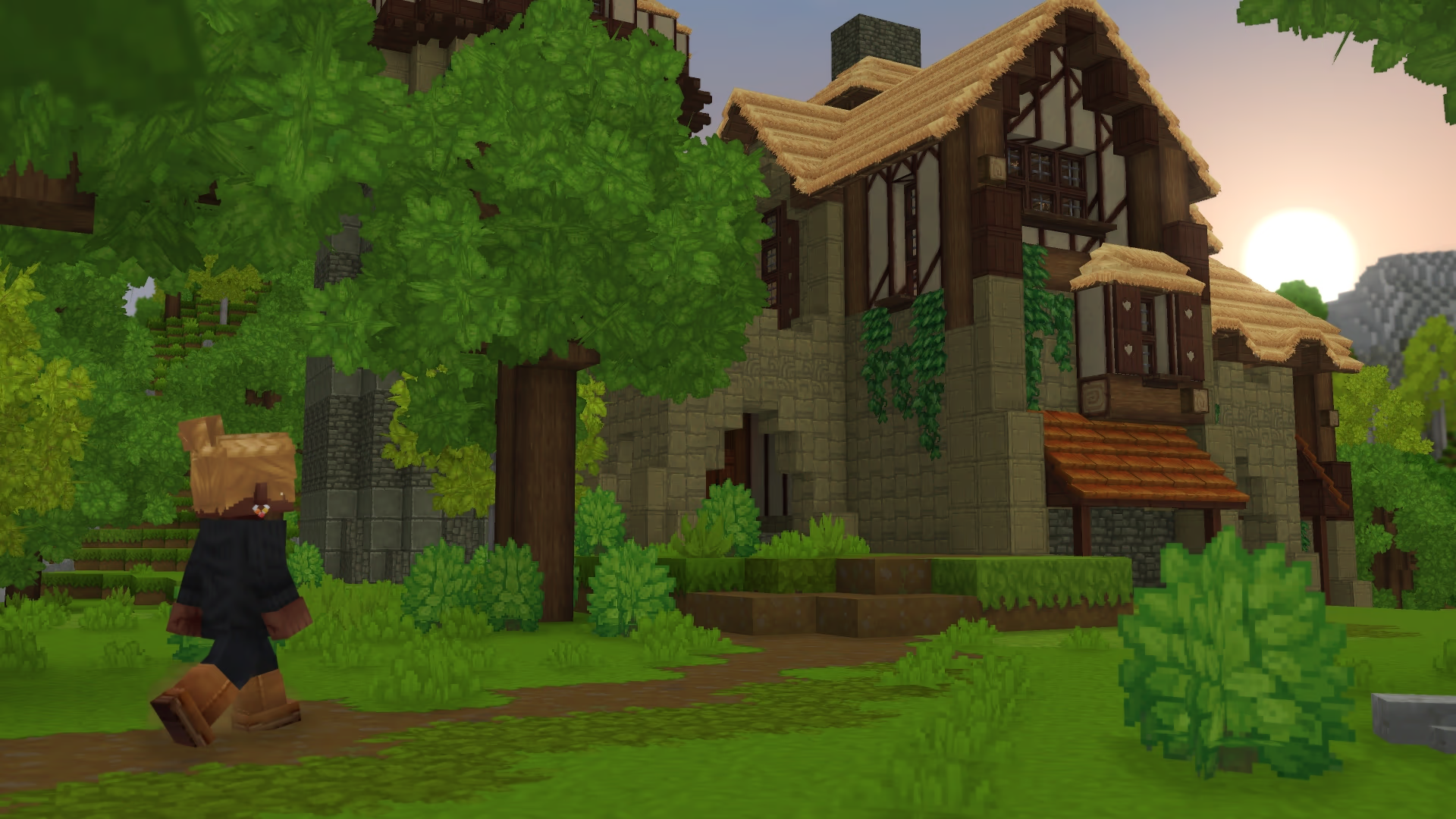
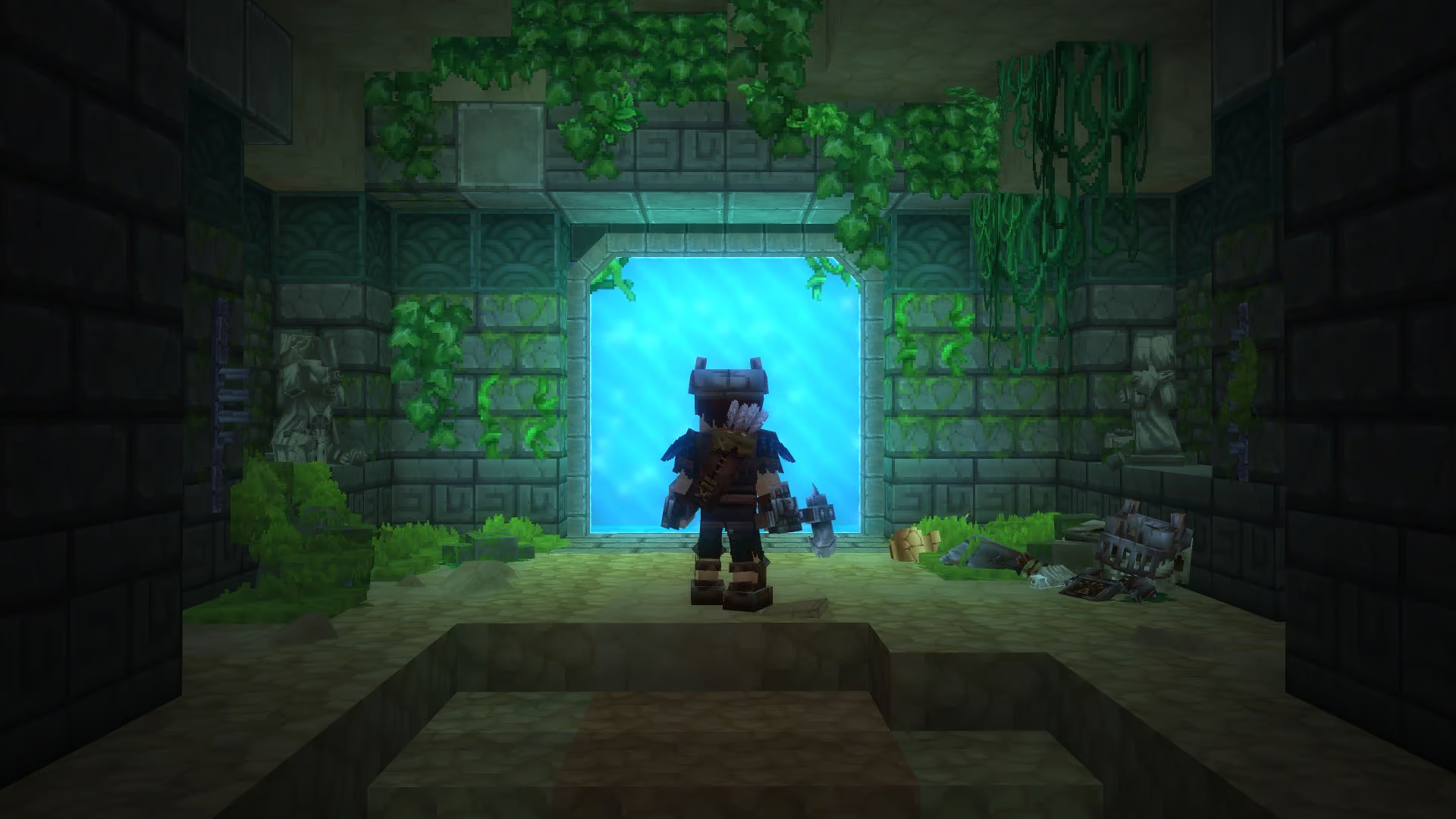
In Hytale, a prefab is a kind of blueprint or 3D model used to create elements of the environment. Prefabs can be compared to schematics in Minecraft, as they allow you to save and reuse constructions. These can be very simple elements such as: rocks, trees, ruins, but also much more complex elements such as: entire buildings, dungeons, bosses.In short, a Hytale prefab is a building block of content that can be reused infinitely to generate or design the world in a consistent, varied, and immersive way. Prefabs are stored in JSON file.
Thousands of prefabs already integrated into the game
The development team has confirmed that thousands of prefabs are already integrated into Hytale, and that their creation continues at a steady pace. This means that each generated world will be rich in unique points of interest, but also that players and creators will have access to a veritable bank of prefabs via the game editor.
Even though the worlds are procedurally generated and partially random, these prefabs guarantee a strong identity for each area, thanks to an intelligent placement system adapted to each type of prefab.
Create your own prefabs
The developers of Hytale have explained in several interviews that they do not want to repeat the same mistakes as Minecraft Java, which limits the creation of additional content. On the contrary, they want to encourage modders as much as possible by providing them with easy-to-use tools. In concrete terms, this means that the community will be able to create their own prefabs and integrate them directly into the game for use in the map editor. You can already get ready for the release of Hytale by creating your builds on Minecraft, then using the Hytale Converter to convert your constructions into Hytale prefabs, so you’ll be ready as soon as the pre-release is available.
A Hytale prefab is much more than just a decorative element. It is a fundamental tool used by developers and creators to easily build an immersive and coherent world. Whether it’s a simple rock or an entire castle, each prefab contributes to making Hytale a unique adventure for the entire community. If you follow the game’s development, you can now spot these prefabs in official images and videos, or even start creating your own using the Hytale Converter.